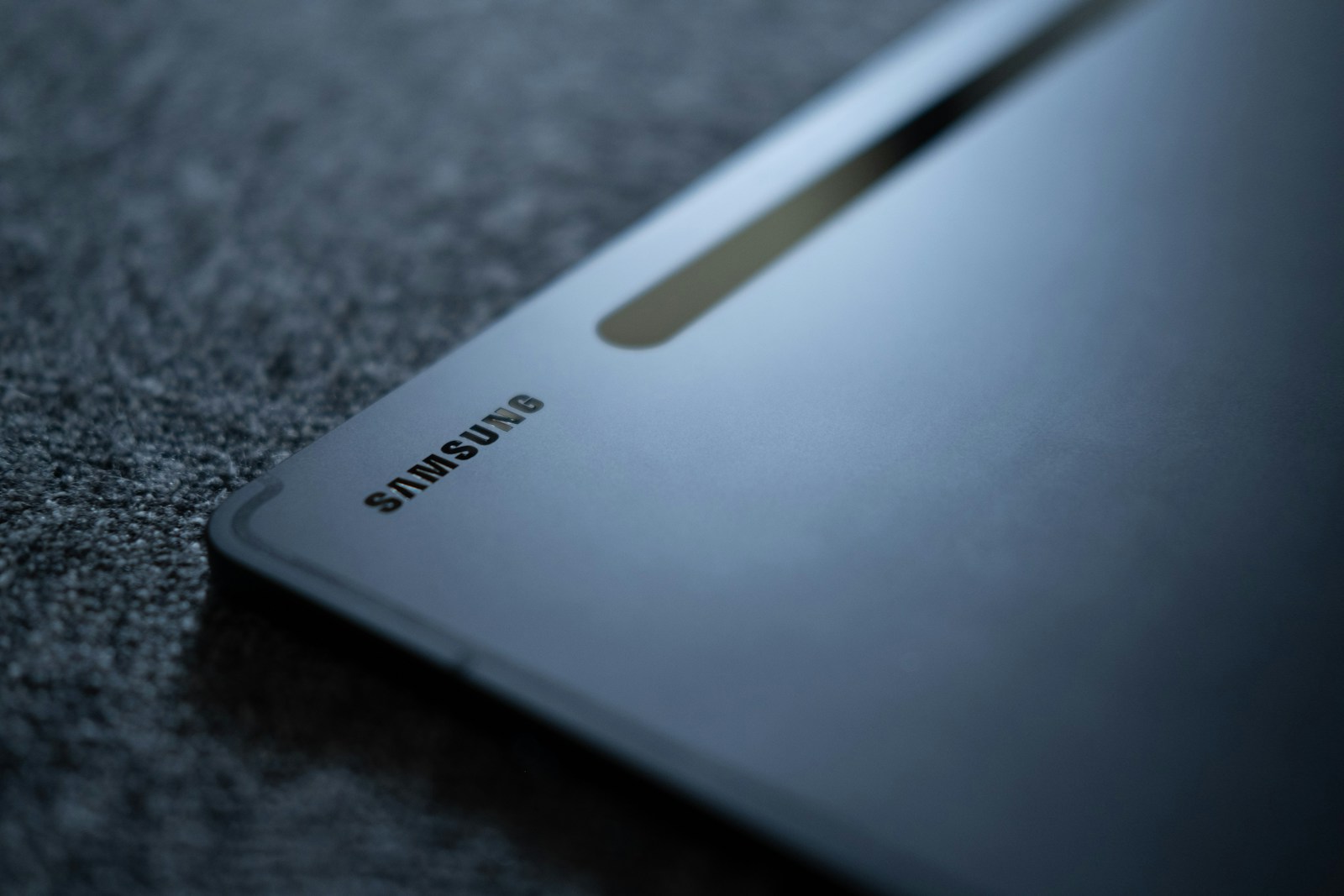
Samsung has once again raised the bar for Android tablets with the Galaxy Tab S11 Ultra, launched on September 4, 2025. This flagship tablet represents Samsung’s most ambitious attempt yet to challenge Apple’s dominance in the premium tablet market. After spending several weeks with the device, I can confidently say this is the most capable Android tablet ever created—though it comes with a premium price tag starting at $1,199.99.
Design and Build Quality: Premium in Every Detail
The Galaxy Tab S11 Ultra immediately impresses with its refined industrial design. At just 5.1mm thin and weighing 692 grams, it’s remarkably light for a 14.6-inch tablet. Samsung has opted for an aluminum unibody construction that feels both premium and durable. The tablet is available in two sophisticated color options: Moonstone Gray and Platinum Silver.
One of the most significant design improvements is the IP68 water and dust resistance rating—a rarity in the tablet world. This means the Tab S11 Ultra can withstand submersion in up to 1.5 meters of water for 30 minutes. For professionals who work in various environments or parents worried about accidental spills, this added durability provides invaluable peace of mind.
The Enhanced Armor aluminum frame adds structural rigidity without sacrificing the slim profile. The bezels surrounding the display have been minimized compared to previous generations, giving the Tab S11 Ultra a modern, edge-to-edge appearance that maximizes screen real estate.
Display: A Visual Masterpiece
The centerpiece of the Tab S11 Ultra is undoubtedly its stunning 14.6-inch Dynamic AMOLED 2X display. With a resolution of 2960 x 1848 pixels and a 16:10 aspect ratio, the screen delivers exceptional clarity and detail. The 239 ppi pixel density ensures text remains crisp and images look sharp, even when viewed up close.
What truly sets this display apart is its 120Hz refresh rate, HDR10+ support, and peak brightness of 1600 nits. The high refresh rate makes scrolling through documents, browsing the web, and navigating the interface incredibly smooth. The HDR10+ support brings out stunning contrast and vibrant colors when watching compatible content from streaming services.
The display’s 1600 nit peak brightness is particularly impressive, making the tablet usable even in direct sunlight. Whether you’re working outdoors or in a brightly lit office, visibility is never an issue. The typical brightness of 1000 nits is more than adequate for indoor use, while the automatic brightness adjustment intelligently adapts to ambient lighting conditions.
Color accuracy is exceptional, making the Tab S11 Ultra ideal for creative professionals working with photo and video editing. The wide color gamut ensures that colors are reproduced accurately, which is crucial for color-critical work. The screen has earned Mohs level 5 scratch resistance, providing some protection against everyday wear and tear, though a screen protector is still recommended for heavy users.
Performance: MediaTek’s Redemption
Perhaps the most controversial aspect of the Tab S11 Ultra is Samsung’s decision to equip it with the MediaTek Dimensity 9400+ chipset instead of Qualcomm’s Snapdragon platform. However, this chipset proves that MediaTek has truly arrived in the flagship tier. Built on a 3nm process, the Dimensity 9400+ features an octa-core CPU configuration with one Cortex-X925 core clocked at 3.63 GHz, three Cortex-X4 cores at 3.3 GHz, and four Cortex-A720 cores at 2.4 GHz.
The Immortalis-G925 GPU handles graphics duties admirably, delivering smooth performance in demanding games and creative applications. Paired with up to 16GB of RAM in the top-tier configuration, the Tab S11 Ultra handles true multitasking with ease. Running multiple apps in split-screen mode, working with large files in Samsung DeX, and switching between demanding applications never causes stuttering or lag.
Storage options range from 128GB to 1TB, all using the fast UFS standard. The inclusion of a dedicated microSDXC card slot allows for further expansion, a feature that’s increasingly rare in premium tablets. This expandability is particularly valuable for content creators who work with large media files.
Benchmark performance puts the Tab S11 Ultra on par with other flagship tablets. Real-world usage confirms what the numbers suggest: this is a tablet that can handle anything you throw at it. From 4K video editing in Adobe Premiere Rush to complex presentations in Microsoft PowerPoint, the Tab S11 Ultra never breaks a sweat.
S Pen: A Creative Powerhouse
The redesigned S Pen that ships with the Tab S11 Ultra represents a significant upgrade over previous generations. Samsung has improved the pressure sensitivity and reduced latency to just 2.8 milliseconds, making the writing and drawing experience feel incredibly natural. Whether you’re taking handwritten notes in Samsung Notes or creating digital art in apps like Clip Studio Paint, the S Pen performs flawlessly.
The pen now magnetically attaches to the side of the tablet and charges wirelessly, ensuring it’s always ready when inspiration strikes. The improved grip design makes extended creative sessions more comfortable, reducing hand fatigue during long drawing or note-taking sessions.
Samsung DeX: Desktop Experience Reimagined
Samsung has continued to refine Samsung DeX, its desktop-like interface for tablets and phones. On the Tab S11 Ultra, DeX transforms the tablet into a legitimate laptop replacement for many use cases. The wireless DeX support means you can connect to an external monitor without cables, creating a multi-monitor setup that rivals traditional desktop computers.
The improved multitasking capabilities in DeX allow up to five windows running simultaneously, making it possible to work on complex projects without constantly switching between apps. File management feels desktop-like, with drag-and-drop functionality and a proper file explorer.
For professionals who need to present or collaborate, DeX provides a familiar interface that clients and colleagues will understand. The ability to seamlessly switch between tablet mode and DeX mode means you can adapt to different work scenarios throughout the day.
Camera System: Surprisingly Capable
While tablet cameras traditionally lag behind smartphone cameras, the Tab S11 Ultra’s camera system is surprisingly competent. The dual rear camera setup includes a 13MP wide-angle camera and an 8MP ultrawide camera. Both cameras capture decent photos in good lighting, suitable for document scanning, video calls, and casual photography.
The 12MP front-facing ultrawide camera is the star of the show, with a 120-degree field of view that keeps you in frame during video calls even when moving around. This is particularly useful for fitness classes, cooking tutorials, or any scenario where you need hands-free video communication. Both the front and rear cameras support 4K video recording at 30fps, adequate for basic content creation.
Battery Life: All-Day Productivity
The massive 11,600 mAh battery provides excellent endurance. In our testing, the Tab S11 Ultra consistently delivered over 94 hours of mixed-use battery life, which translates to multiple days of typical use or a full workday of intensive use. Video streaming at moderate brightness yielded approximately 12-14 hours, while productivity work with occasional web browsing extended to nearly 16 hours.
The 45W wired charging support means you can quickly top up the battery during breaks. While Samsung doesn’t include a 45W charger in the box—a disappointing omission at this price point—using one can recharge the tablet from empty to full in about 2.5 hours.
Audio: Immersive Sound Experience
The quad-speaker system tuned by AKG delivers impressive audio quality for a tablet. Whether you’re watching movies, joining video conferences, or enjoying music, the sound is clear, balanced, and sufficiently loud. The speakers provide genuine stereo separation and a surprising amount of bass for a device this thin.
The lack of a 3.5mm headphone jack may disappoint some users, but Bluetooth 5.4 support ensures stable wireless audio connections. The improved Bluetooth codec support provides high-quality audio with compatible headphones.
Software: One UI 8 and Android 16
The Tab S11 Ultra ships with Android 16 and Samsung’s One UI 8, making it the first Galaxy tablet to feature this latest iteration. One UI 8 brings refined animations, improved multitasking gestures, and deeper integration with Galaxy AI features.
Galaxy AI features include enhanced translation capabilities, intelligent note-taking that can summarize meetings, and creative tools that assist with image and video editing. While some of these features feel gimmicky, others—particularly the intelligent text extraction and translation—prove genuinely useful in daily workflows.
Samsung’s commitment to software updates has improved dramatically in recent years. The Tab S11 Ultra will receive four years of major Android updates and five years of security patches, ensuring it remains current and secure well into the 2030s.
Connectivity: Future-Proofed
The cellular model of the Tab S11 Ultra supports 5G connectivity with both Sub-6 and SA/NSA modes, ensuring compatibility with current and future 5G networks. Wi-Fi 7 support provides blazing-fast wireless connectivity when connected to compatible routers. The tri-band Wi-Fi capability ensures optimal performance even in congested network environments.
Bluetooth 5.4 offers improved range and stability compared to previous versions. The USB Type-C 3.2 port supports high-speed data transfer and can be used with USB-C hubs to connect multiple peripherals simultaneously.
The magnetic connector on the side of the tablet supports Samsung’s official keyboard accessories, providing a secure connection that doesn’t rely on Bluetooth. This magnetic connector also supports data transfer, enabling faster response times for keyboard input.
Accessories: Building a Complete System
While the Tab S11 Ultra is capable as a standalone device, Samsung’s ecosystem of accessories transforms it into a comprehensive productivity system. The official Book Cover Keyboard provides a laptop-like experience with well-spaced keys and a functional trackpad. The keyboard attaches magnetically and includes a protective cover that doubles as a multi-angle stand.
For creative professionals, Samsung offers the Creator Edition bundle that includes the upgraded S Pen Pro with additional programmable buttons and a protective standing case optimized for drawing.
Value Proposition: Premium Price, Premium Experience
At $1,199.99 for the base 256GB model, $1,319.99 for the 512GB version, and $1,619.99 for the top-tier 1TB configuration, the Tab S11 Ultra is undeniably expensive. The price is further elevated when adding official accessories like the keyboard and protective cases.
However, when compared to alternatives like the 12.9-inch iPad Pro (which starts at similar pricing), the Tab S11 Ultra offers several advantages: the larger display, S Pen included in the box, expandable storage, and greater flexibility in file management and app windowing. For users deeply invested in the Android ecosystem or those who value the flexibility that Samsung DeX provides, the premium is justified.
Who Should Buy This Tablet?
The Tab S11 Ultra is ideal for several user profiles. Creative professionals who work with digital art, photo editing, or video production will appreciate the large, color-accurate display and responsive S Pen. Business users who need a powerful device for presentations, document editing, and communication will find the Samsung DeX mode invaluable.
Content consumers who want the best possible media viewing experience will be delighted by the stunning display and quad-speaker audio. Students and academics who take extensive handwritten notes will benefit from the excellent S Pen integration.
However, budget-conscious buyers should look elsewhere. The Tab S11 Ultra’s premium pricing means it’s overkill for basic web browsing and video streaming. Similarly, users who primarily work in laptop mode might be better served by a traditional laptop or 2-in-1 device.
Final Verdict: The Android Tablet To Beat
The Samsung Galaxy Tab S11 Ultra represents the pinnacle of Android tablet engineering. It successfully combines premium hardware, thoughtful software enhancements, and a comprehensive accessory ecosystem into a cohesive package that can genuinely replace laptops for many users.
The gorgeous display, powerful performance, and versatile Samsung DeX mode create a unique value proposition that no other Android tablet can match. While the MediaTek chipset may give some buyers pause, real-world performance alleviates any concerns. The improved S Pen, robust build quality, and long battery life round out an exceptional package.
Is it perfect? No. The premium pricing will exclude many potential buyers, and the omission of a high-wattage charger in the box feels stingy. Some users may also wish for even more powerful speakers or an OLED panel with even higher brightness.
But these are minor quibbles in the context of what Samsung has achieved. The Galaxy Tab S11 Ultra is the most complete Android tablet ever made, and it represents a genuine alternative to the iPad Pro for professionals and creators who prefer Android’s flexibility and openness. If you’re in the market for a premium Android tablet and can afford the asking price, the Tab S11 Ultra won’t disappoint.